
Pinky Nails & Spa2.0 - Google Play
You'll be able to see results in few seconds.
Publisher Description

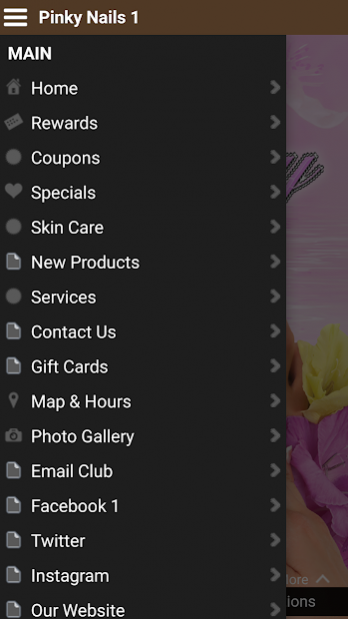
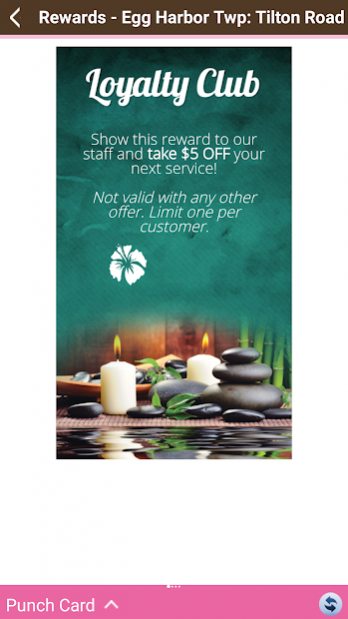
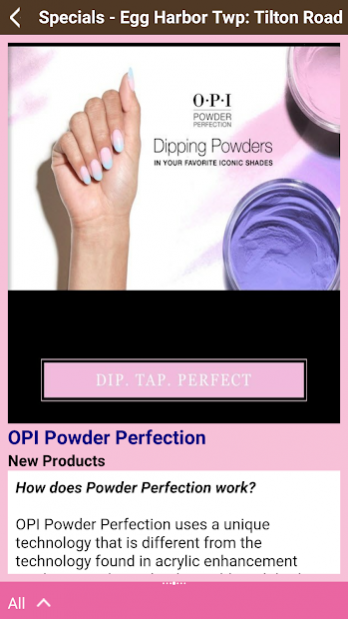
Download the app for Pinky Nails and enjoy savings, discounts, loyalty rewards and more. Enjoy a luxurious manicure or pedicure complete with massage, nail shaping, conditioning and polish. Or ditch the mascara and add some fabulous eyelash extensions. Have your eyebrows expertly shaped and even treat that special man in your life to some pampering at Pinky Nails – all with app-only specials that won’t break the bank.
The Pinky Nails app provides:
• An exclusive download offer
• A menu of professional services and products
• Loyalty Program
• Photos
The Pinky Nails app is free and you will receive your first reward soon after it is downloaded.
Pinky Nails is your one stop spa spot in Egg Harbor Township, New Jersey for manicures, pedicures, nail design, eyelash extensions, waxing and more. A staff of trained and talented technicians will make your hands (and feet!) look like a movie star’s with acrylics, no-chip shellac, UV and solar gels, silk wraps and more. Pinky Nails offers everything from basic manicures and pedicures to custom nail art designs. Scroll through the app and check out the pre-prom or pre-wedding mani-pedi parties, treat your favorite princess and her friends to a special spa day or surprise that special someone with a little luxury. All this and savings when you tap the app for Pinky Nails!
About Pinky Nails & Spa
The company that develops Pinky Nails & Spa is Total Loyalty Solutions. The latest version released by its developer is 2.0.
To install Pinky Nails & Spa on your Android device, just click the green Continue To App button above to start the installation process. The app is listed on our website since 2020-09-30 and was downloaded 0 times. We have already checked if the download link is safe, however for your own protection we recommend that you scan the downloaded app with your antivirus. Your antivirus may detect the Pinky Nails & Spa as malware as malware if the download link to com.totalloyalty.pinkynailsii25861 is broken.
How to install Pinky Nails & Spa on your Android device:
- Click on the Continue To App button on our website. This will redirect you to Google Play.
- Once the Pinky Nails & Spa is shown in the Google Play listing of your Android device, you can start its download and installation. Tap on the Install button located below the search bar and to the right of the app icon.
- A pop-up window with the permissions required by Pinky Nails & Spa will be shown. Click on Accept to continue the process.
- Pinky Nails & Spa will be downloaded onto your device, displaying a progress. Once the download completes, the installation will start and you'll get a notification after the installation is finished.
Program Details
System requirements
Download information
Pricing
Version History
version 2.0
posted on 2020-09-30
This release includes the following updates and enhancements:
- Performance Enhancements
- Bug Fixes
version 2.0
posted on 2020-09-30
This release includes the following updates and enhancements:
- Performance Enhancements
- Bug Fixes
version 1.0
posted on 2016-04-08
What’s New:,This release includes the following updates:,- Stability Improvements,- Performance Enhancements
Disclaimer
Official Google Play Link
We do not host Pinky Nails & Spa on our servers. We did not scan it for viruses, adware, spyware or other type of malware. This app is hosted by Google and passed their terms and conditions to be listed there. We recommend caution when installing it.
The Google Play link for Pinky Nails & Spa is provided to you by apps112.com without any warranties, representations or guarantees of any kind, so access it at your own risk.
If you have questions regarding this particular app contact the publisher directly. For questions about the functionalities of apps112.com contact us.
